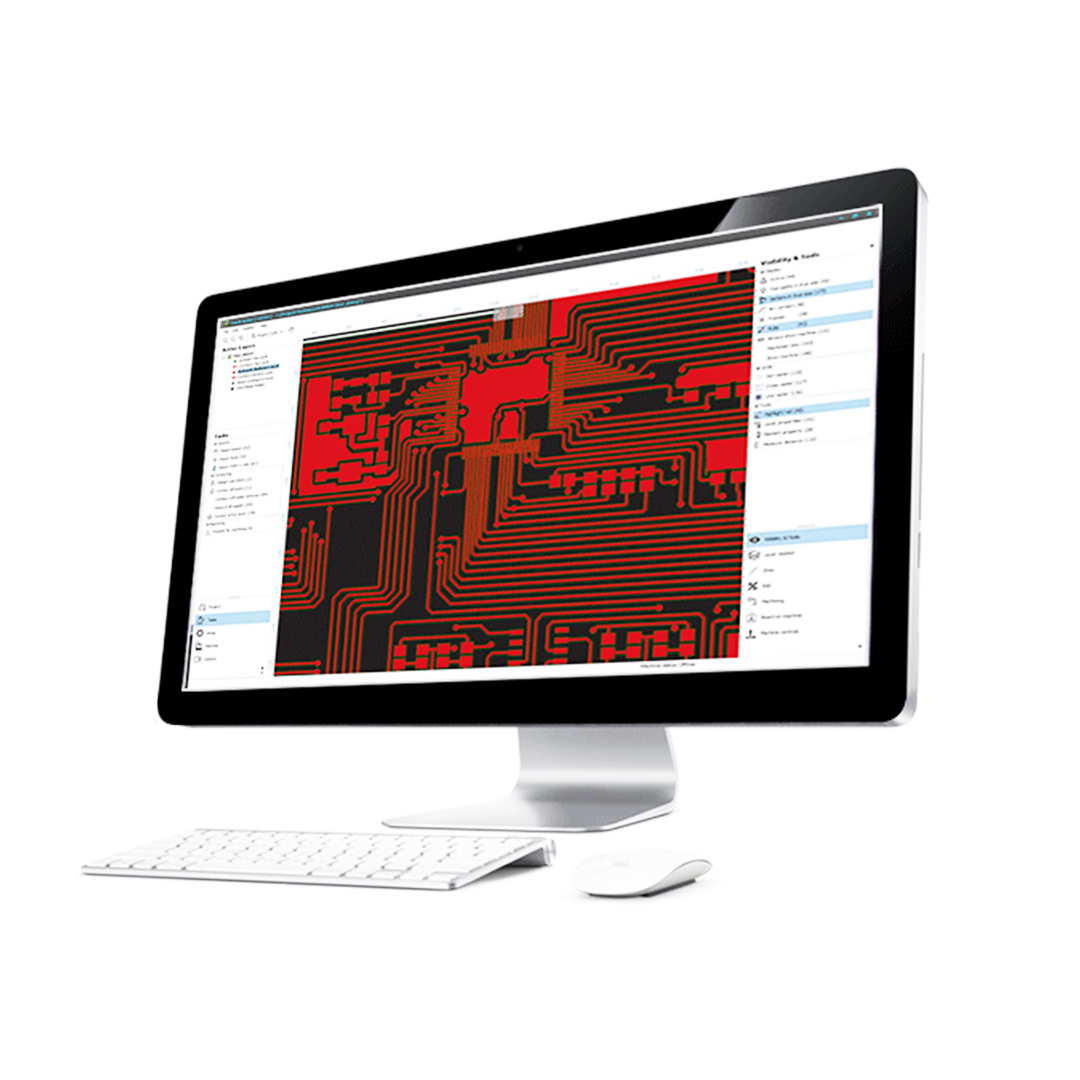
About TrackMaker
The best advantage of our software is unmatched ease of use. Unlike other software on the market, TrackMaker is designed for complete ease of use, meaning no prior CNC programming knowledge is needed. Users can start milling immediately without the steep learning curve associated with other systems.
Intuitive user interface: Simplifies PCB preparation. Competitor software often requires complex manual adjustments, while TrackMaker automates the entire process.
Direct EDA import: Allows smooth data import from KiCad, Eagle, and other EDA tools without additional conversion steps, ensuring easy Gerber and Excellon file processing.
Automatic milling strategy recommendation: Competitor systems often require manual selection of milling parameters, whereas TrackMaker intelligently suggests the best milling method and tooling, saving time and reducing errors.
Automated tool change prompts & Guided double-sided PCB milling: The software alerts the user when it's time to change tools and provides clear instructions for flipping the board, eliminating common alignment errors found in competing solutions.
- TrackMaker is designed for importing, editing, and processing Gerber and Excellon data.
- TrackMaker is a software package for calculating PCB isolation paths and for controlling CNC milling machines.
- TrackMaker communicates seamlessly with the Windows™ operating system.
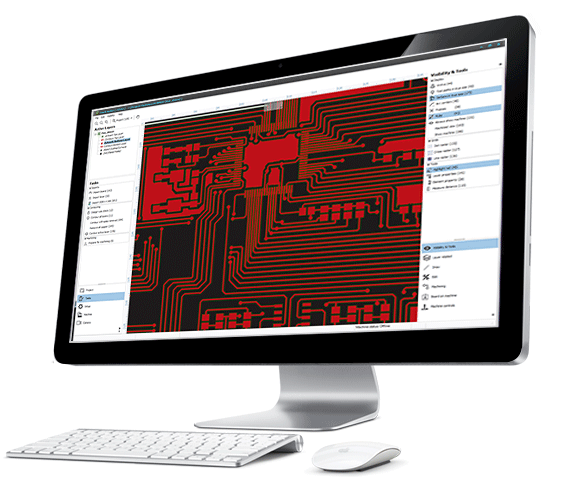
3-Step Workflow
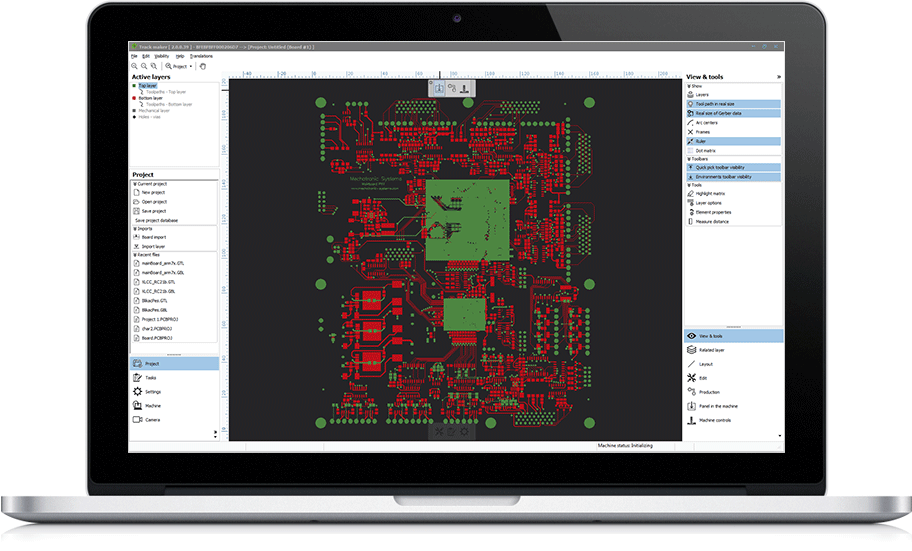
STEP 1: IMPORT DATA
Possibility to import different formats
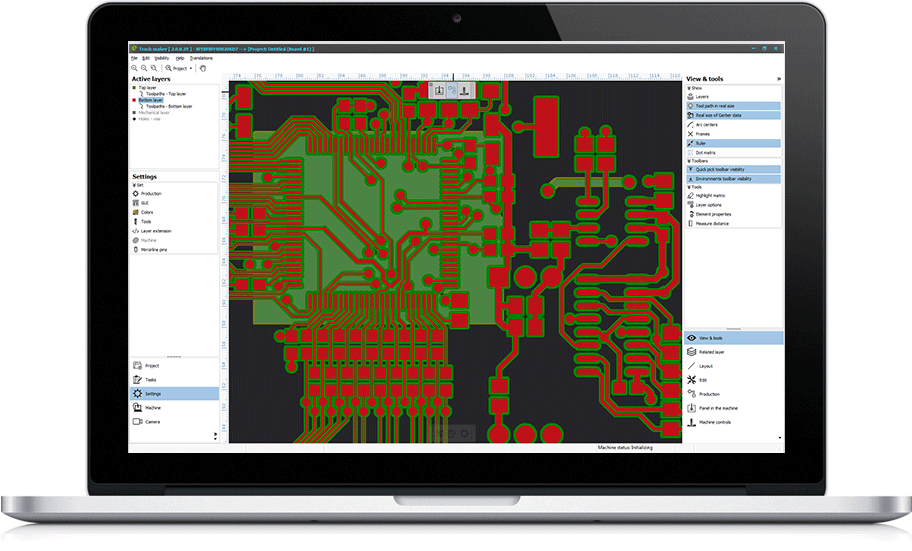
STEP 2: CALCULATE THE PATHS
Intelligent toolpath generation for single and double-sided PCBs
STEP 3: START MILLING
Your PCB is ready for milling
Core Features & Formats
.png)
IMPORT DATA
Gerber D & X, Excellon, ODB++, DXF, Sieb & Meyer, HPGL and others
.png)
EXPORT DATA
Colinbus BFF, Gerber, Excellon, G-code, HPGL and others
.png)
DESIGN REVIEW
Full-featured design control, supporting detailed error listing
.png)
SUPPORT FOR TOOLS
Wide range of tools to remove copper on defined parts of PCB
.png)
STEP & REPEAT
Easy copying of PCBs in any number of rows and columns
.png)
EDITING AND ADDING
Simple modifications of PCB layers, adding soldering surfaces and paths
.png)
POWERFUL OPTIMIZATION
Toolpaths designed to make milling and drilling efficient
.png)
ONE-CLICK IMPORT
All PCB layers can be imported with a single click
TrackMaker in General & Technical Details
The purpose of this software is the preparation and fabrication of printed circuit boards (PCBs) on MIPEC milling machines. Using data generated by TrackMaker, the machine can perform the following tasks:
- Mill along contours of tracks, pads, and other conductive elements to insulate connections from surrounding copper on laminate sheets.
- Optionally remove copper in areas on the PCB where there are no connections.
- Drill holes precisely.
Source data for calculating toolpaths are images of PCB layer artworks and drilling data imported from CAD EDA software packages. Most PCB CAD software packages export layer images in the Gerber format (originally intended for photo-plotters). TrackMaker processes these raw images through a complex contouring algorithm to calculate correct toolpaths. Drilling data is exported via Excellon Program Format and converted directly into machine-compatible instructions.
Fabrication Procedure & Advanced GUI Features
The standard PCB fabrication procedure consists of artwork import, outline and drill data loading, optional editing (such as aligning layers or adjusting cutouts), setting up contouring strategies and DRC checks, calculating toolpaths, and starting production.
The software provides a comprehensive set of advanced editing commands allowing users to remove, relocate, or transform graphical elements, adjust dimensions, and manually add tracks or new holes.
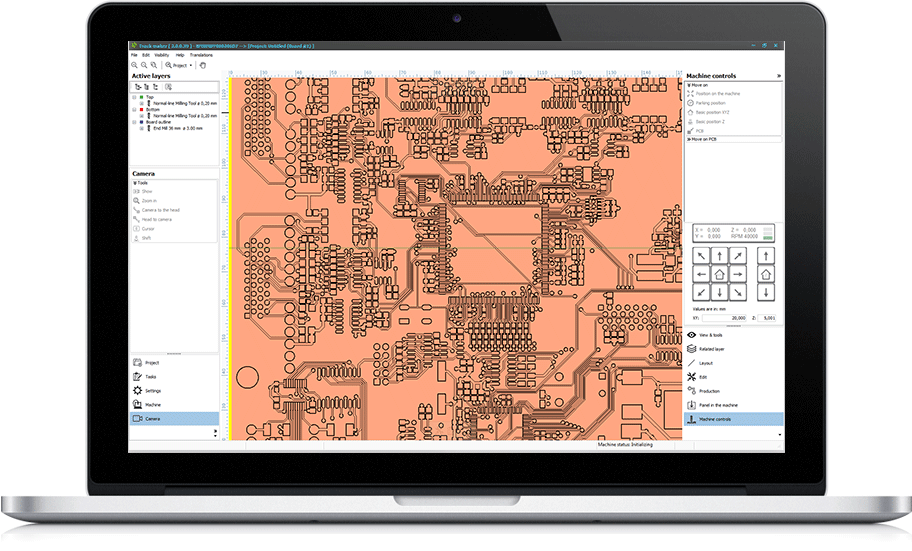
The intuitive Graphical User Interface (GUI) features logical command grouping with a layer navigator on the left and machine/data tools on the right. Projects can be easily managed within a single database file, supporting simple drag-and-drop operations directly from Windows Explorer into the workspace.